 Ambilightfor YouTube™
Support the developer
Ambilightfor YouTube™
Support the developer
Ambilightfor YouTube™
Support the developer
Ambilightfor YouTube™
Support the developer
Ambilight for YouTube™ puts a soft glow around the video player. The colors come from the video itself, frame by frame.
Scroll


Switches the glow on or off on any video. The Ambilight button next to the settings gear in the player opens the menu.
The Spread slider goes from a thin edge around the player to the whole page.
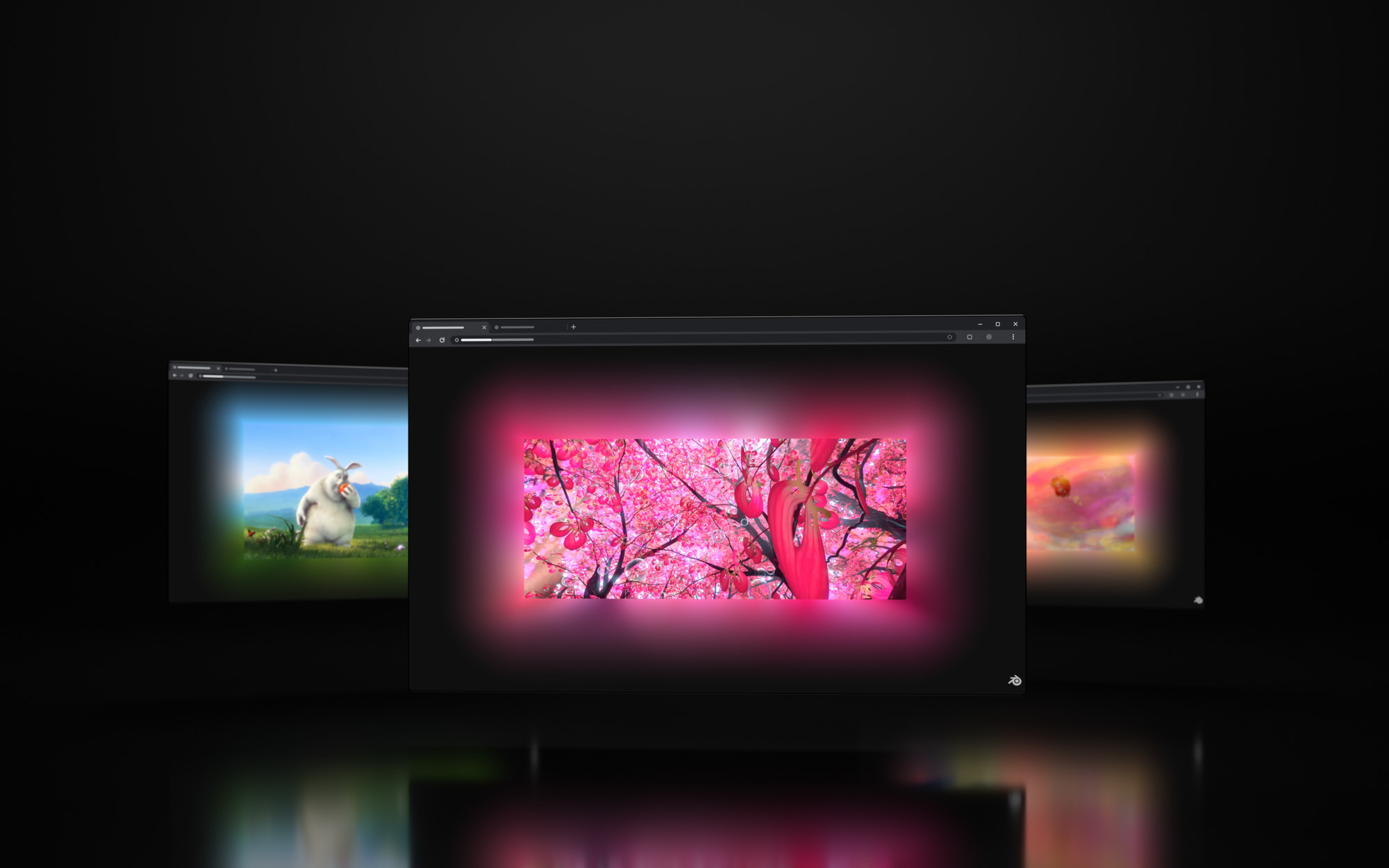
The glow takes its colors from the edges of the picture, frame by frame. Turn up Picture colors and it also shows the strong colors from inside the video.
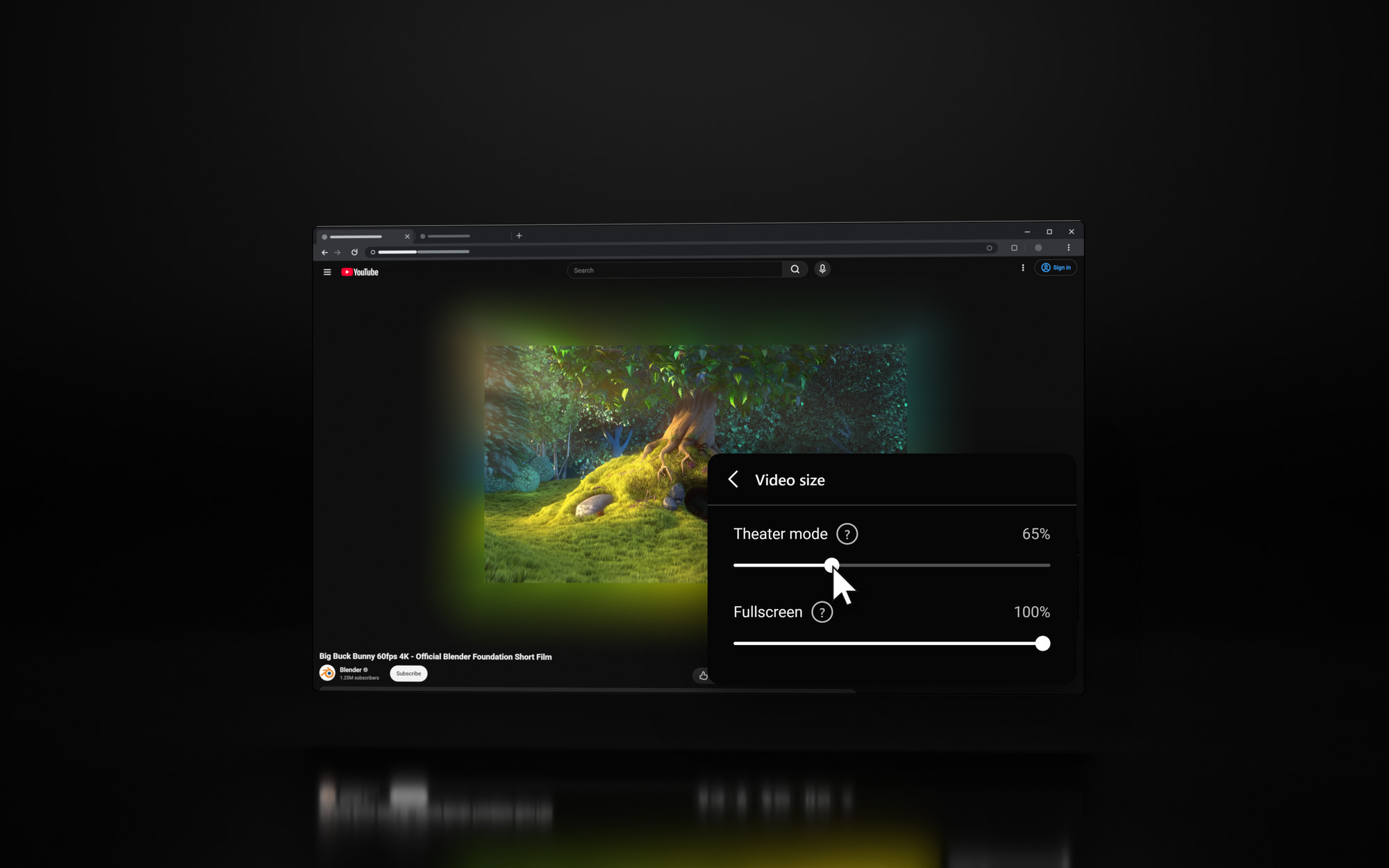
Under Video size the video can shrink to half its size, in theater mode and in fullscreen. Video only hides everything else on the page.
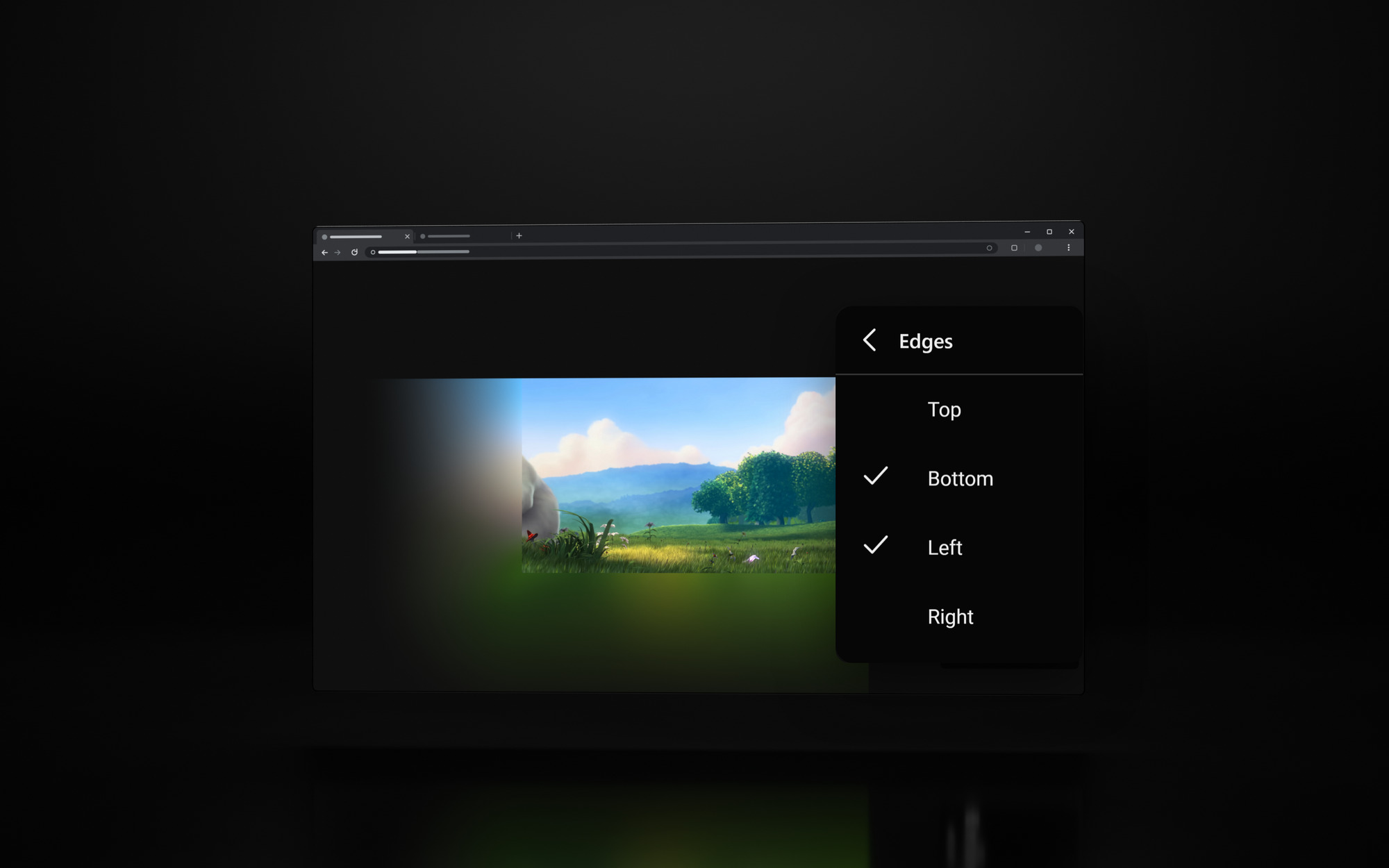
Top, bottom, left and right switch on and off on their own.
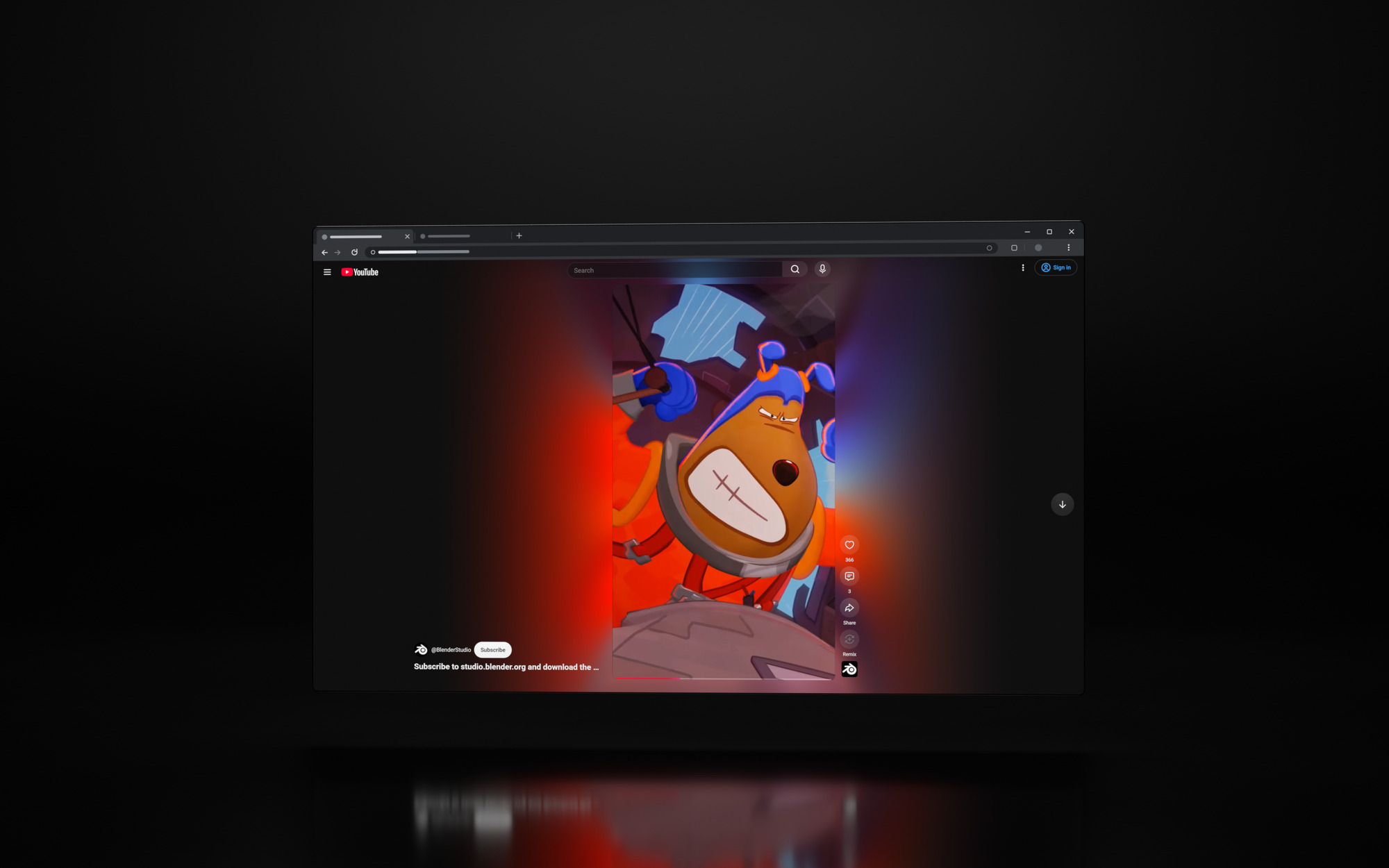
The glow runs around Shorts as well. The Ambilight button sits at the top right of the video.
Pick Subtle, Normal or Strong, or set brightness, contrast, saturation, spread, shadow, transitions, black bars, page dimming and the progress bar color yourself, hide the channel logo and end screen cards over the video, switch the glow off during ads, and share your look as a short code. The menu speaks English, German, Spanish, French, Portuguese and Russian and follows your browser language.
If YouTube was already open when you installed the extension, reload the tab. Press G to switch the glow on, and check under Active in that the current view (default view, theater mode, fullscreen or Shorts) is turned on.
Click the Ambilight button next to the settings gear in the player controls, or the extension icon in your browser toolbar. On Shorts the button sits at the top right of the video.
Yes. Under Active in you choose for each view on its own whether the glow is on. In theater mode and fullscreen the video can also get smaller to make room for the glow, and Video only hides everything else in theater mode.
It shrinks each frame to a small copy before reading its colors, 48 pixels wide by default and up to 240 with little color blending. It follows the video up to 60 times a second, and your graphics card works out every pixel of the glow. On a slow computer it skips frames instead of slowing the page down.
Chrome, Edge, Opera, Brave, Vivaldi and other Chromium browsers, and Firefox 140 or newer, on desktop. Phones are not supported.
No. It is free, with no account and no ads. If you want to support the work, use the Support the developer link at the top of the page.
The extension only runs on www.youtube.com. It reads the colors of the playing video inside your browser to draw the glow. No picture or data is stored or sent anywhere, and your settings stay in your browser.